Skip to product information
1 of 7

PaperKeep

NELKO Genuine P21 Label Maker Tape,14x40mm, 3-Roll, Transparent

NELKO Genuine P21 Label Maker Tape,14x40mm, 3-Roll, Transparent

Regular price $18.99 USD
Regular price $30.38 USD Sale price $18.99 USD
Sale Sold out
Taxes included. Shipping calculated at checkout.
color
size
Quantity

From the brand


Product description
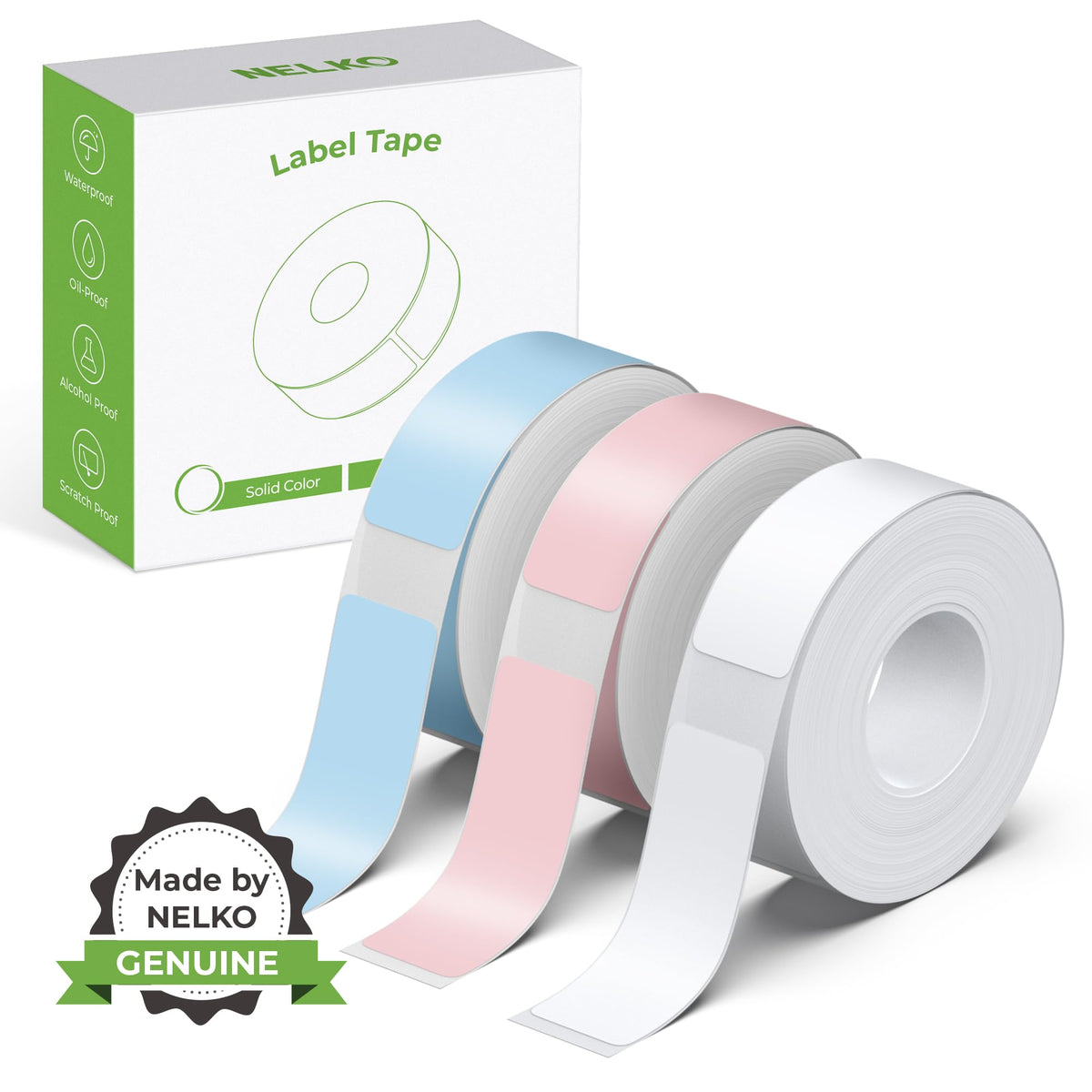
Work with NELKO P21 Labal Maker Machine

Customer Reviews
4.4 out of 5 stars 24,559
4.7 out of 5 stars 6,212
4.7 out of 5 stars 1,643
Price
$16.99 $16.99 $16.99 $16.99 $7.99 $7.99 $11.99
Pack
1 1 1 1 180 Labels 180 Labels 1
Color
White Pink Green Black White Transparent Black
Work with
Work with P21 Label Tape Work with P21 Label Tape Work with P21 Label Tape Work with P21 Label Tape Work with NELKO P21 Work with NELKO P21 Work with Label Maker
Advantage
Portable, Clear Printing Clear Printing, Waterproof Clear Printing, Hight Quality Clear Printing, Hight Quality Clear Printing, Waterproof Clear Printing, Waterproof Powerful Compatibility
Support
Android and IOS phones Android and IOS phones Android and IOS phones Android and IOS phones NELKO P21 Label Maker NELKO P21 Label Maker Mini label printer
High Quality

NELKO P21 Label Maker Tape

The video showcases the product in use.The video guides you through product setup.The video compares multiple products.The video shows the product being unpacked.

aplus content video

label maker tape
label makers label maker tape label maker machine with tape mini label maker bluetooth label maker
  • 1. Connecting to Bluetooth through the "Nelko" APP.

    2. Download the App "Nelko" from the Apple Store/Google Play.

    3. Turn on Bluetooth on your phone, long press to turn on the P21 labelmaker machine, and open the "Nelko" app to link to Bluetooth.

  • This mini portable Bluetooth printer supports iOS and Android mobile systems.

  • Please use genuine label paper, otherwise it may result in poor printing quality or mismatches.

    Note: Please do not remove the green sticker from the original label paper.

    And the size of the label tape can be 12x40mm, 15X30mm, 15x40mm or 15X50mm.

  • 1. Long press the power on button, indicator light will display green.

    2. Successfully connected to Bluetooth, indicator light displayed in blue.

    3. Press the button twice to adjust the paper position.

    4. Press the button once to print the test page.

  • 1. Press the power button to start the label maker.

    2. Open the paper bin cover of the label maker.

    3. Press the power button 3 times in a row.

    4. After about 2s, the label maker beeps 4 times, "Didi Didi", which means the reset is successful.

View full details